Skip to content [Tab]
file-explorer://directory-view
10 items
$

Category Archives: Web

Directory path:
~/posts/blockchain/deploying-production-grade-3x-ui-on-the-akash-network.md

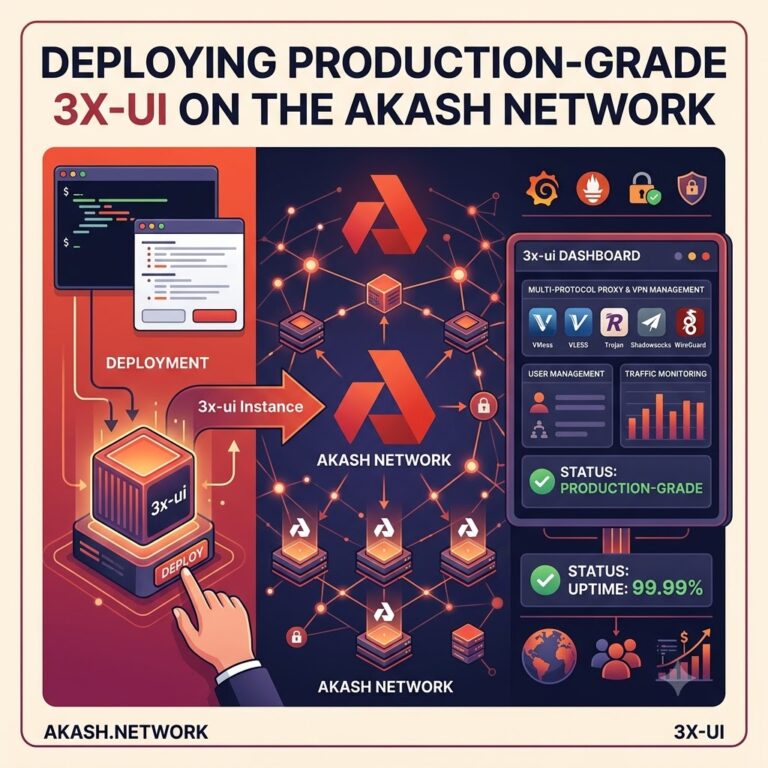
Deploying Production-Grade 3x-ui on the Akash Network

The Architect’s Guide: Deploying 3x-ui on the Akash Supercloud (Post-BME) 1. What is Akash Network & Why is it the Best Solution for 3x-ui? Akash Network is a decentralized, peer-to-peer open-source cloud marketplace. Often referred to as the “Supercloud,” it allows anyone to buy and sell computing resources securely using a blockchain consensus layer. WhyContinue reading “Deploying Production-Grade 3x-ui on the Akash Network”

~/posts/devops/ultimate-guide-multiplexing-naiveproxy-caddy-and-nginx-on-port-443-fixing-unexpected-eof-and-decode-error-562.md

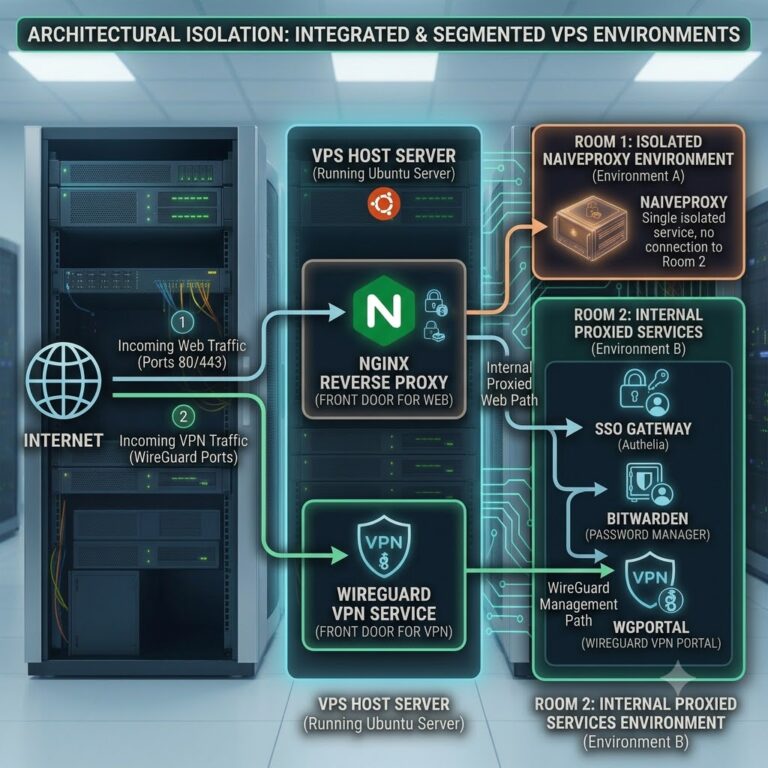
Ultimate Guide: Multiplexing NaïveProxy, Caddy, and Nginx on Port 443 (Fixing “Unexpected EOF” and “Decode Error 562”)

To integrate Cloudflare into advanced Nginx multiplexed architecture Cloudflare dashboard should be configured to accommodate two completely different traffic behaviors: standard web traffic (which can be proxied by Cloudflare) and your NaïveProxy traffic (which must bypass Cloudflare’s CDN proxying to maintain raw HTTP/2 streams). DNS Record Configuration Subdomain Type Target IP Proxy Status (Cloudflare Toggle)Continue reading “Ultimate Guide: Multiplexing NaïveProxy, Caddy, and Nginx on Port 443 (Fixing “Unexpected EOF” and “Decode Error 562”)”

~/posts/devops/containerizing-wordpress-for-production-security-redis-and-next-gen-images.md

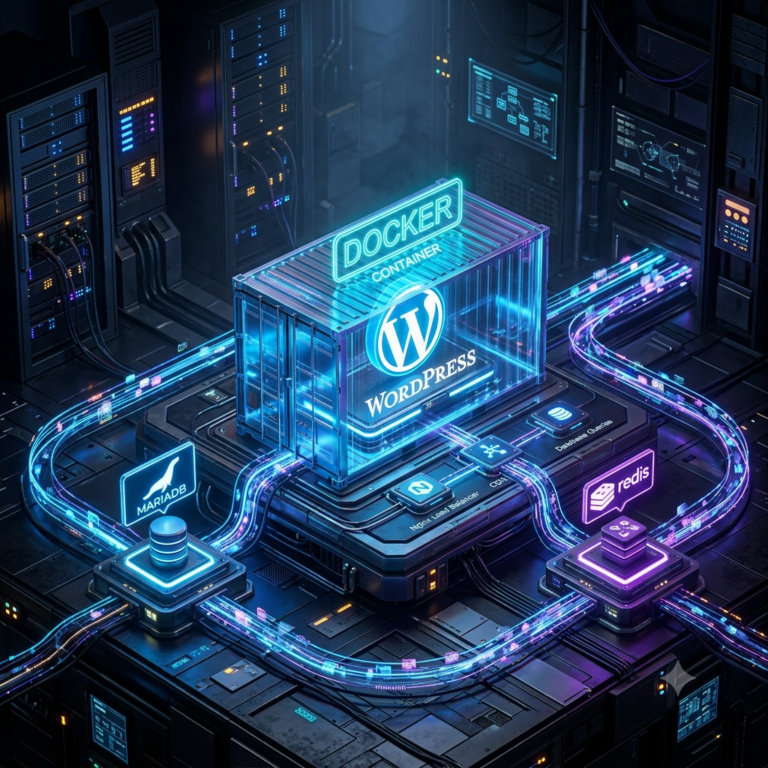
Containerizing WordPress for Production: Security, Redis, and Next-Gen Images

Moving WordPress to Docker requires more than just pulling the default image. If you want a production-grade environment that handles high traffic, serves next-generation images flawlessly, and traps potential security breaches in an isolated sandbox, you need a specialized architecture.This guide walks through building an enterprise-level WordPress Docker stack behind a global Nginx reverse proxy.Continue reading “Containerizing WordPress for Production: Security, Redis, and Next-Gen Images”

~/posts/software/create-user-from-the-wordpress-backend.md

Create user from the WordPress backend.

In case of forgotten password this snippet can be used to create new user from WordPress backend. Insert code to functions.php of the used theme. But be careful to choose strong password and correct email. You are doing it on your own risk and responsibility.

~/posts/devops/developing-a-wordpress-website-in-docker.md

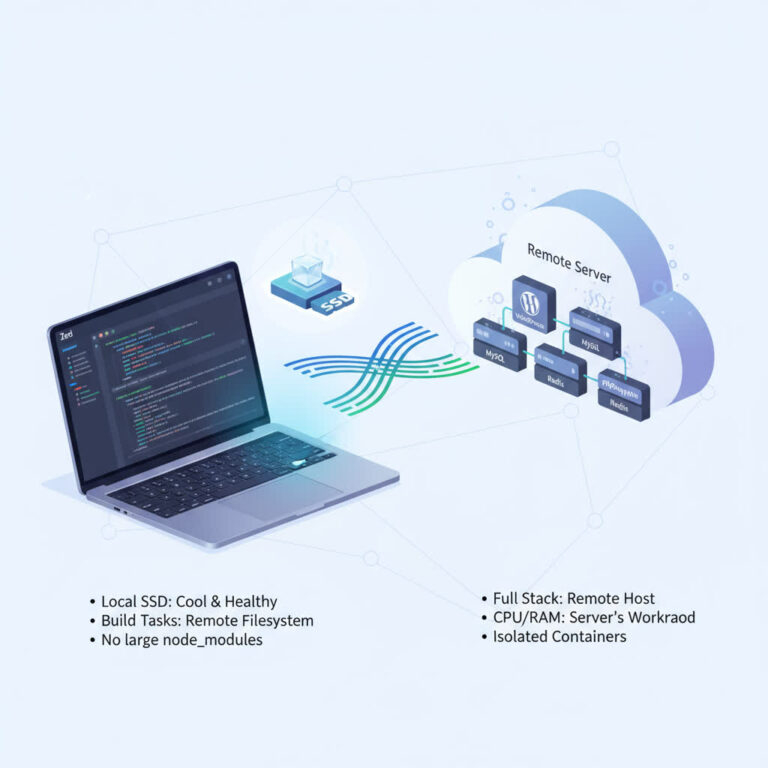
Developing a WordPress Website in Docker 

eveloping a WordPress Website in Docker on a Remote Server (with Zed over SSH) When building a modern WordPress project, it’s often beneficial to separate development and execution environments. One effective setup is to run WordPress in Docker on a remote server while editing files locally via SSH using a capable editor like Zed. ThisContinue reading “Developing a WordPress Website in Docker “

~/posts/devops/postgresql-pgadmin.md

PostgreSQL, pgAdmin

Story about wiped out database or 2 lines of code. Lessons from a Wiped-Out Database: Building a Crypto Portfolio Tracker I’m currently working on a Crypto Portfolio Tracker — a personal project aimed at simplifying how I manage my crypto investments. Previously, I tracked transactions using NextCloud spreadsheets and custom macros to fetch real-time prices.Continue reading “PostgreSQL, pgAdmin”

~/posts/devops/nginx-proxy-manager.md

nginx proxy manager.

How to Securely Host Containers on a VPS with Nginx Proxy Manager and SSL When deploying multiple containers on your VPS, security should be your top priority. A crucial part of this is properly managing your domain and subdomain routing. While it’s possible to manually install Nginx and Certbot for SSL certificate generation, there’s aContinue reading “nginx proxy manager.”

~/posts/devops/how-to-download-or-upload-file-from-vps.md

How to download or upload file from VPS

When managing servers sometime it’s needed to move files between remote hosts and local machines. It can be backup files, configs etc. One way it so setup Samba and connect to network storage and share files. Another way is to user CLI command “scp”Download file from remote host: Using ssh key Upload file to removeContinue reading “How to download or upload file from VPS”

~/posts/devops/migrating-from-ghost-to-wordpress.md

Migrating from Ghost to WordPress

The idea for this blog was to write down and structure my personal experience. Some of there tasks I’ve tried to figure out how to achive it. And why didn’t I make it public if someone is struggling with particular problems. But anyway, at first I’ve started it on Ghost engine in Docker container. ButContinue reading “Migrating from Ghost to WordPress”